Area chart
An area chart is a line chart with the space under each line filled in.
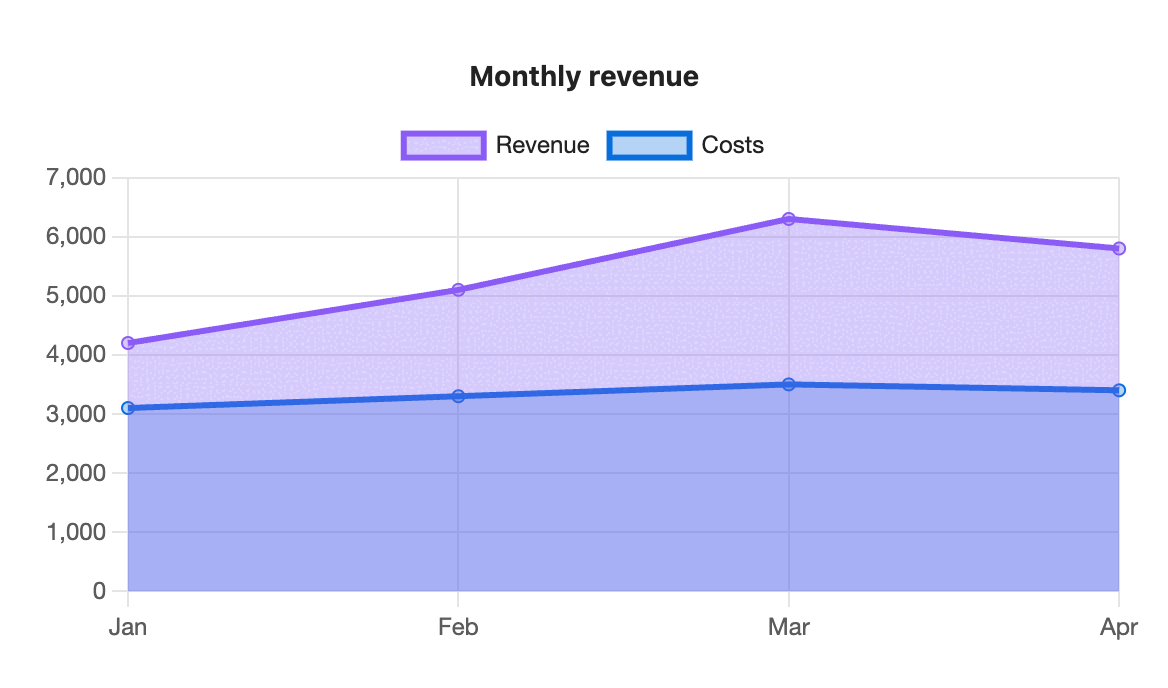
```s-chart
type: area
title: Monthly revenue
---
| Month | Revenue | Costs |
| ----- | ------- | ----- |
| Jan   | 4200    | 3100  |
| Feb   | 5100    | 3300  |
| Mar   | 6300    | 3500  |
| Apr   | 5800    | 3400  |
```
When to use it
Use an area chart when the size of the values matters as well as their trend, or stack it to show how parts add up to a total over time.
Options
| Option | On an area chart |
|---|---|
type: area | Required. |
title | Text above the chart. |
x-label | Title for the label axis. |
y-label | Title for the value axis. |
stacked | true stacks the areas. Each one fills down to the series below it. |
legend | top, bottom or none. |
height | Chart height in pixels, 120 to 1200. |
colors | One colour per series. The fill is a see-through version of the line colour. |
palette | A palette from settings. |
source, x, y | Draw from note properties. |
The value axis starts at zero, because the filled area stands for the amount.
Stacked
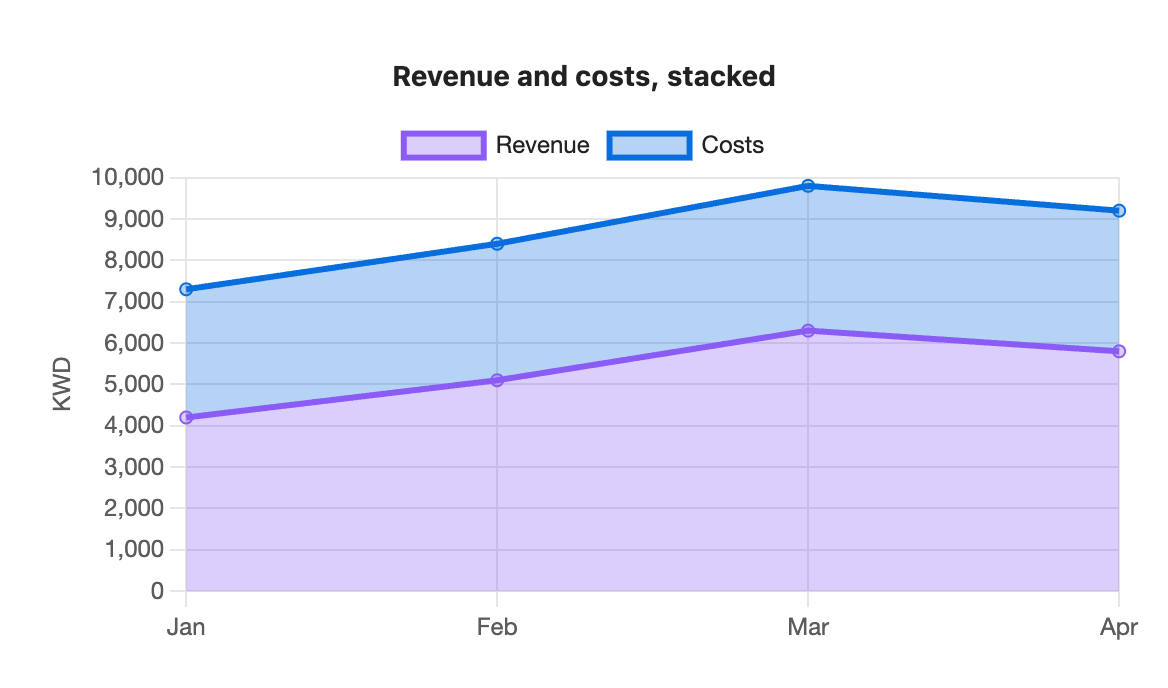
```s-chart
type: area
title: Revenue and costs, stacked
stacked: true
y-label: KWD
---
| Month | Revenue | Costs |
| ----- | ------- | ----- |
| Jan   | 4200    | 3100  |
| Feb   | 5100    | 3300  |
| Mar   | 6300    | 3500  |
| Apr   | 5800    | 3400  |
```