Line chart
Lines show how values change across labels, usually over time. Each series is one line.
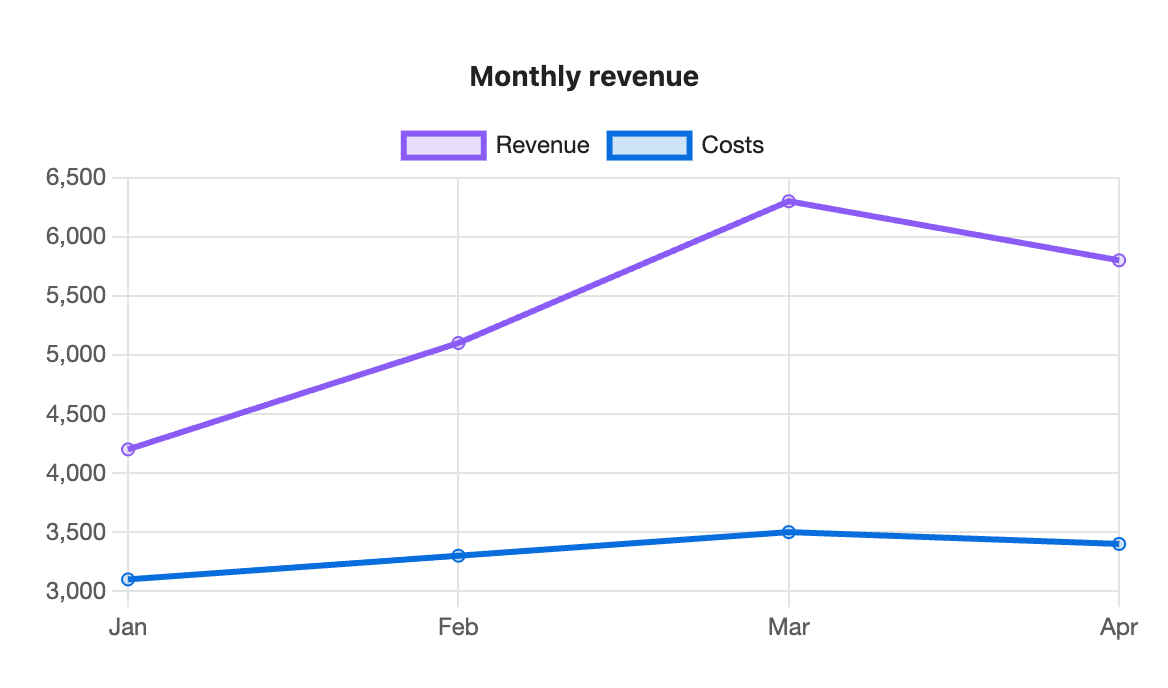
```s-chart
type: line
title: Monthly revenue
---
| Month | Revenue | Costs |
| ----- | ------- | ----- |
| Jan   | 4200    | 3100  |
| Feb   | 5100    | 3300  |
| Mar   | 6300    | 3500  |
| Apr   | 5800    | 3400  |
```
When to use it
Use a line chart for trends: weight by day, visitors by week, savings by month. To show the size of each value as well as the trend, try an area chart.
Options
| Option | On a line chart |
|---|---|
type: line | Required. |
title | Text above the chart. |
x-label | Title for the label axis along the bottom. |
y-label | Title for the value axis. |
stacked | true adds each line on top of the one before, so the top line is the total. |
legend | top, bottom or none. Shown at the top for two or more series. |
height | Chart height in pixels, 120 to 1200. |
colors | One colour per line. |
palette | A palette from settings. |
source, x, y | Draw from note properties. Line charts suit this best: one point per daily note. |
horizontal has no effect on line charts. The value axis fits the data rather than starting at zero, so small changes stay visible.
Gaps
An empty cell leaves a gap in the line instead of dropping to zero. Use this for a missing reading.
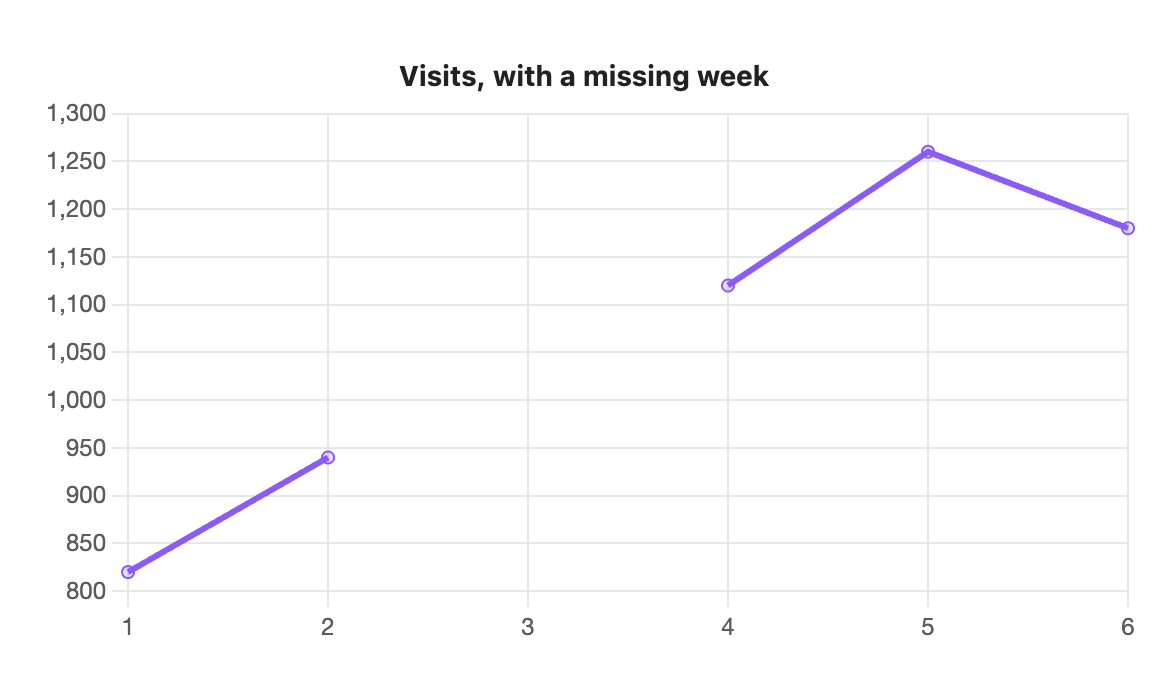
```s-chart
type: line
title: Visits, with a missing week
---
| Week | Visits |
| ---- | ------ |
| 1    | 820    |
| 2    | 940    |
| 3    |        |
| 4    | 1,120  |
| 5    | 1,260  |
| 6    | 1,180  |
```
Stacked
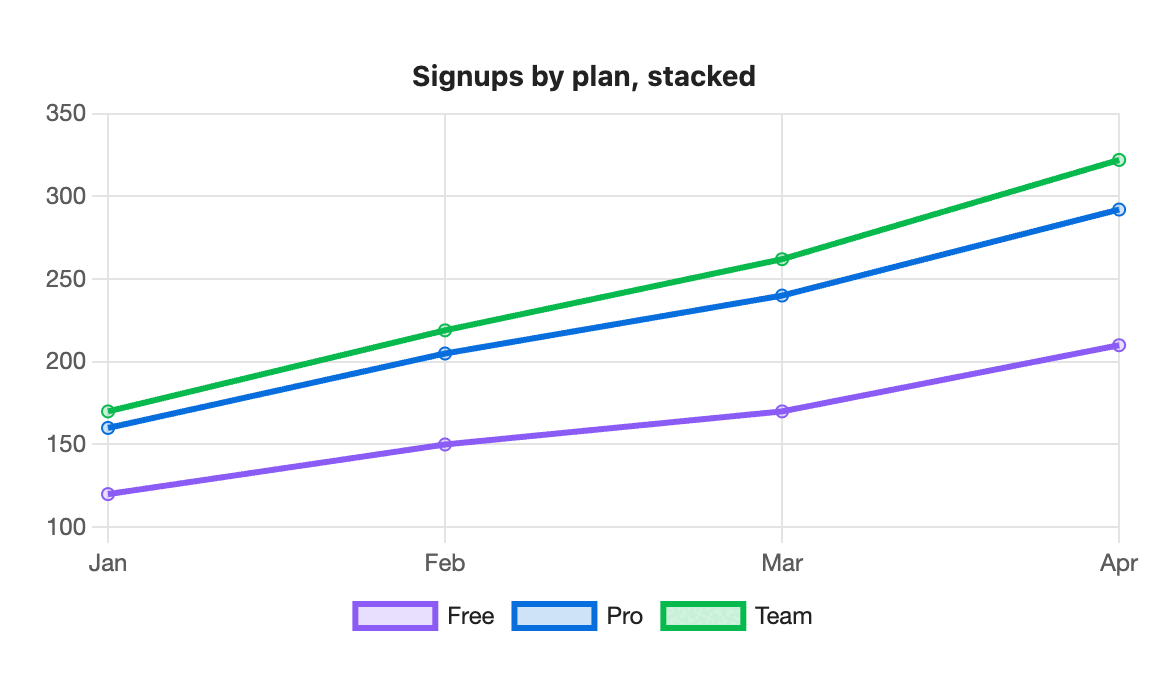
```s-chart
type: line
title: Signups by plan, stacked
stacked: true
legend: bottom
---
| Month | Free | Pro | Team |
| ----- | ---- | --- | ---- |
| Jan   | 120  | 40  | 10   |
| Feb   | 150  | 55  | 14   |
| Mar   | 170  | 70  | 22   |
| Apr   | 210  | 82  | 30   |
```
Long series
With more than 50 rows, the dots on each point are hidden and only the line is drawn. Hover still shows each value.