Pie chart
A pie shows how a whole splits into parts. Each row of the table is one slice.
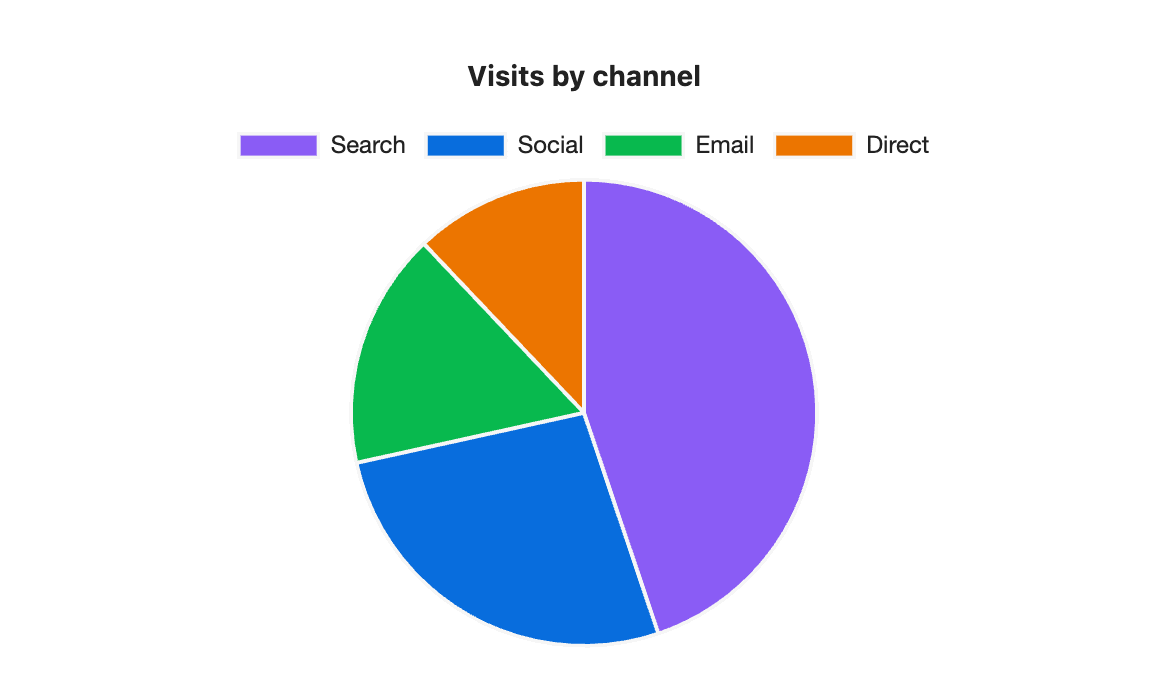
```s-chart
type: pie
title: Visits by channel
---
| Channel | Visits |
| ------- | ------ |
| Search  | 5200   |
| Social  | 3100   |
| Email   | 1900   |
| Direct  | 1400   |
```
When to use it
Use a pie for a handful of parts that add up to something: visits by channel, budget by category. Past six or seven slices it gets hard to read, and a bar chart compares the parts better.
Options
| Option | On a pie chart |
|---|---|
type: pie | Required. |
title | Text above the chart. |
legend | Lists the slices. top by default, or bottom or none. |
height | Chart height in pixels, 120 to 1200. The pie fits the height. |
colors | One colour per slice, in row order. |
palette | A palette from settings. Slices take its colours in order. |
source, x, y | Draw from note properties: one slice per note. |
stacked, horizontal, x-label and y-label have no effect on a pie.
One series only
A pie draws the first number column. If the table has more, the chart says "Pie charts show the first series only" and names the column it used. Move the column you want to the second position.
Legend at the bottom
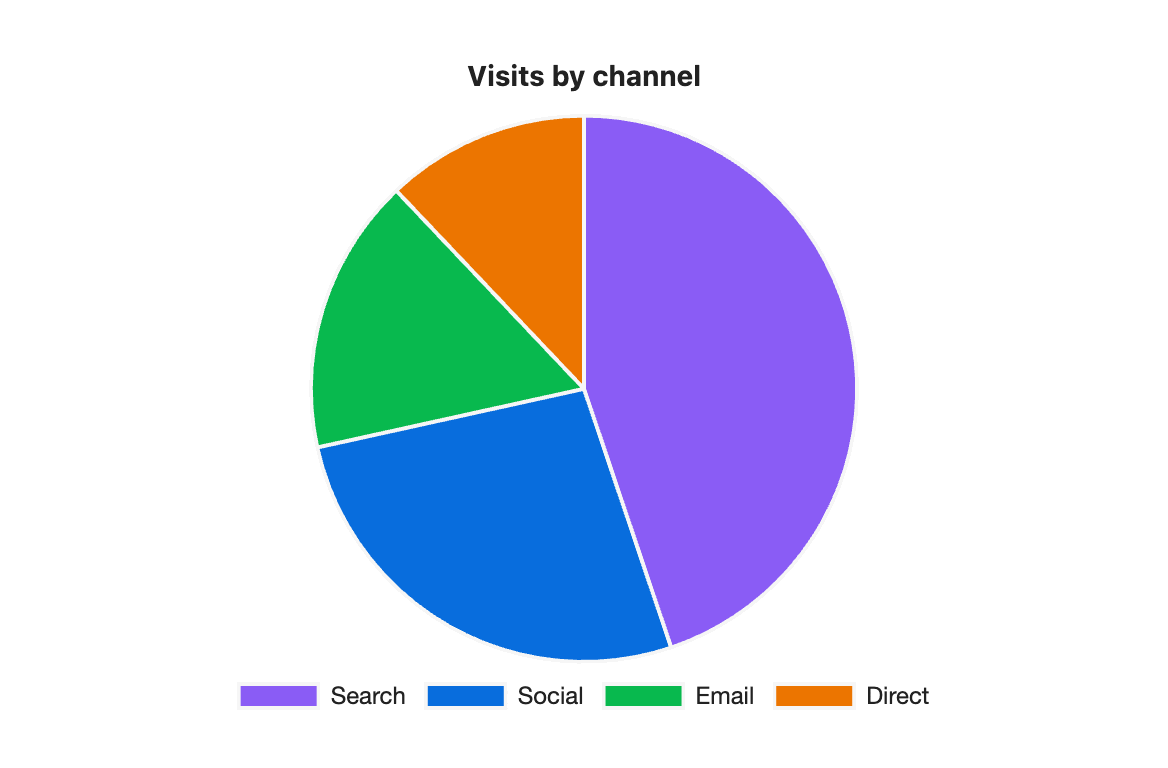
```s-chart
type: pie
title: Visits by channel
legend: bottom
height: 360
---
| Channel | Visits |
| ------- | ------ |
| Search  | 5200   |
| Social  | 3100   |
| Email   | 1900   |
| Direct  | 1400   |
```